
In the dynamic world of e-commerce, optimizing the checkout process is crucial for enhancing user experience and boosting conversions. Knowband’s Prestashop Free one page checkout addon is designed to streamline and simplify the checkout process, making it quicker and more convenient for your customers.
For store owners looking to improve checkout performance and explore advanced options, you can also learn more about modern checkout solutions like the PrestaShop Quick Checkout Addon, designed to enhance speed, flexibility, and conversions.
What is Prestashop One Page Checkout?
Traditionally, the checkout process on e-commerce websites involves multiple steps, often leading to cart abandonment due to lengthy procedures. Knowband’sOne Step Checkout Prestashop Extension condenses this into a single, user-friendly page. This means that customers can complete their purchases swiftly, without the hassle of navigating through multiple pages.
The Knowband One Page Super Checkout module brings all your payment options together for PrestaShop and OpenCart stores. Additionally, Prestashop fast checkout addon supports your existing gateways and popular choices like PayPal, Stripe, Authorize.Net, Square, Razorpay, plus BNPL plans for customers who prefer installments. Fast, secure options like Apple Pay and Google Pay make the checkout experience simple and convenient for every shopper.
Key Features of Prestashop responsive one step checkout addon:
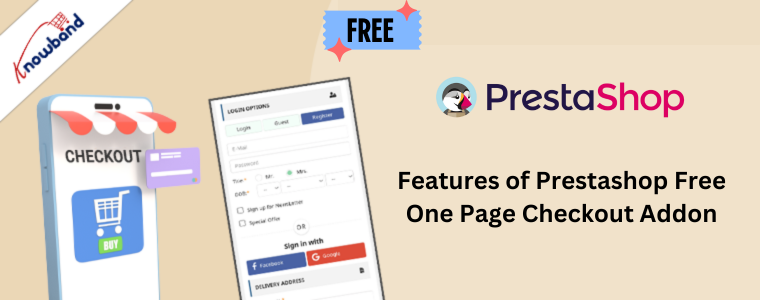
- Single Page Checkout: Combines all checkout steps (billing, shipping, payment) into one page, reducing complexity and enhancing user convenience.
- Customizable Layout: Tailor the checkout page to match your brand’s aesthetics and improve brand consistency.
- Guest Checkout Option: The Prestashop Quick checkout addon allow customers to make purchases without creating an account, reducing friction and increasing conversions.
- Mobile Responsive: Ensures a seamless checkout experience across all devices, including smartphones and tablets.
- Address Autofill: Auto-fill functionality for addresses based on postal codes, minimizing input errors and enhancing efficiency.
Benefits of Using One Page Checkout Prestashop
- Improved Conversion Rates: Simplifying the checkout process reduces cart abandonment rates and increases the likelihood of completing purchases.
- Enhanced User Experience: A streamlined checkout process enhances user satisfaction by saving time and reducing frustration.
- Increased Efficiency: With fewer steps to complete, customers can finalize their orders swiftly, improving overall operational efficiency.
- Higher ROI: By optimizing the checkout process, you can potentially increase your return on investment by converting more visitors into paying customers.
How to Implement Knowband’s Free Prestashop One Page Checkout Addon?
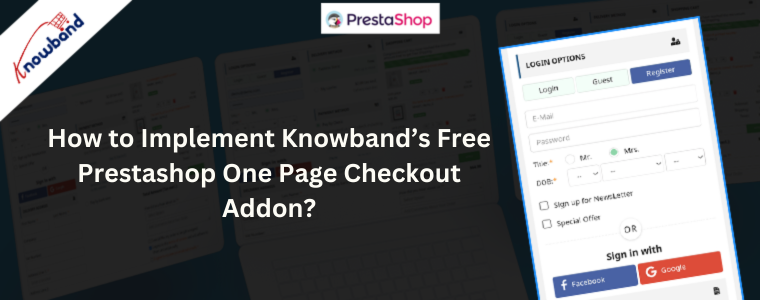
Implementing the Prestashop One Page Checkout addon from Knowband is straightforward and can be done through the Prestashop admin panel. Once installed, configure the addon to customize the checkout page according to your preferences and business needs. You can adjust fields, colors, and layouts to align with your brand identity and optimize user experience.

Prestashop Free One Page Checkout Addon
Explore Knowband’s Prestashop Free One Page Checkout Addon for simplified and efficient checkout experiences on your online store.
SHOP NOWConclusion
In conclusion, Knowband’s Prestashop One Page Supercheckout free version is a powerful tool for any e-commerce business looking to enhance user experience, streamline operations, and boost conversions. Further, by simplifying the checkout process into a single page, businesses can effectively reduce cart abandonment rates and improve overall customer satisfaction. Implementing this addon can lead to increased sales and higher ROI, making it a valuable investment for your Prestashop store.
Ready to take your Prestashop store to the next level? Explore Prestashop Free one page checkout addon today and see the difference it can make in your e-commerce success! You can also watch our videos on free Prestashop Modules here:


